
A fast image viewer: vw Image Viewer View, sort and catalog thousands of images on Linux and Windows
It starts instantly and never keeps you waiting, even in folders of thousands of images. 16-bit data stays intact, and ZIP / 7z archives open in place. Tags and catalogs live in separate files, so your image files are never touched.
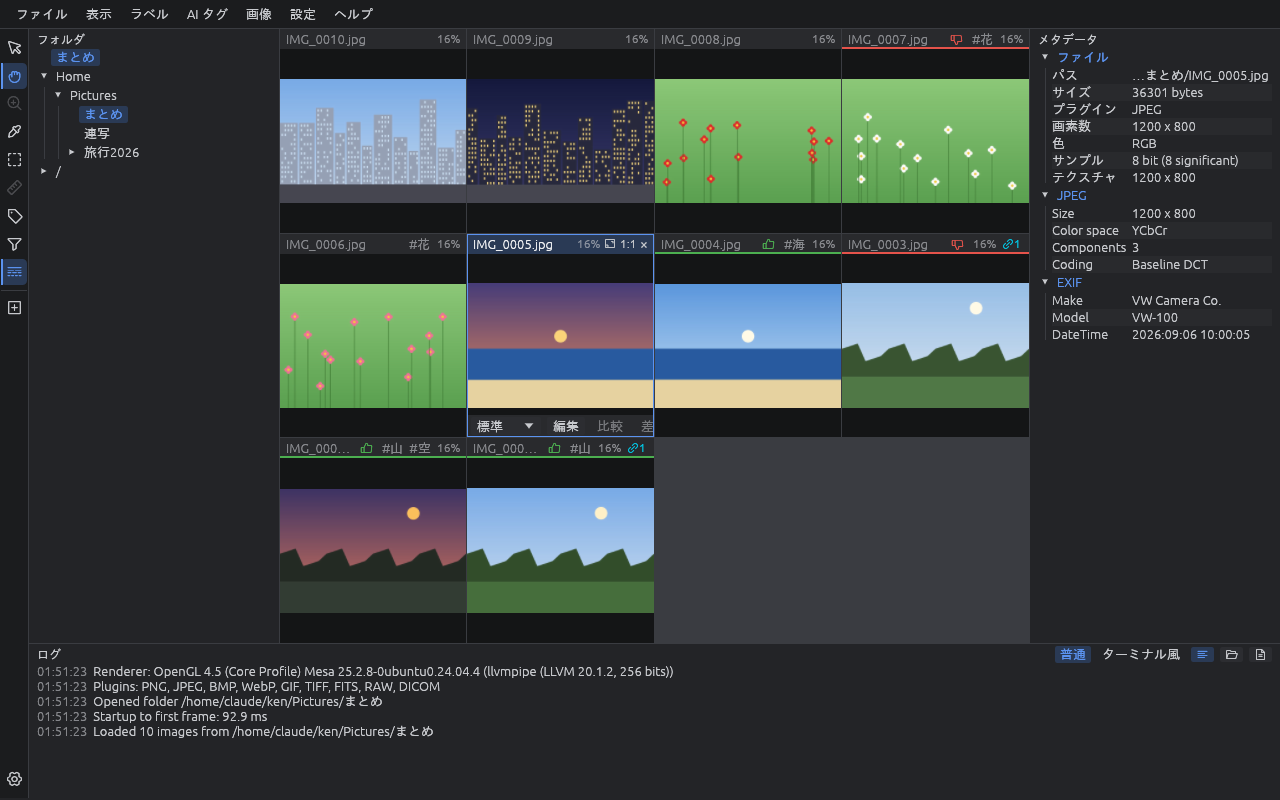
What each format gets
Formats carry different information, so what vw can do differs a little from format to format.
| Format | Specific to the format |
|---|---|
| JPEG | Shown the right way up from EXIF orientation, with camera, lens and exposure info. Photos with GPS appear on the map, and the shooting info is searchable |
| Camera RAW | The camera's embedded preview shows at once, then the sensor data is developed in the background and swapped in. Pairs with the JPEG of the same name for comparison, and vwbatch develops and exports in bulk |
| FITS (astronomy) | Dark images are stretched (zscale, asinh and more) with a color map and gauge. Darks and flats are applied, the sky chart shows where the image points, and 2–3 grayscale images are aligned and composed into color. Finishing nodes (stretch, noise reduction, deconvolution, star removal and more) are available, and every header keyword is searchable |
| PNG | 16-bit images stay 16-bit, so you measure the real values, and a 10-bit or 12-bit monitor shows them with that gradation. Text chunks (creating software, descriptions and so on) appear as metadata and are searchable |
| WebP / GIF | All frames of an animation go into one slot and play at the speed written in the file. The wheel steps one frame at a time |
| TIFF | Multi-page files go into one slot and the wheel turns the pages. 32-bit float, CMYK and fax compression are read too. EXIF and tags are searchable |
| BMP | Old 1–32 bit BMPs and RLE compression open too |
| ZIP / 7z / tar | Open like a folder without extracting by hand (password-protected too). Images inside go into the search catalog and can be extracted when found |
For every format: sort, then find
JPEG, RAW, FITS or an image inside a ZIP: sorting and searching work the same way.
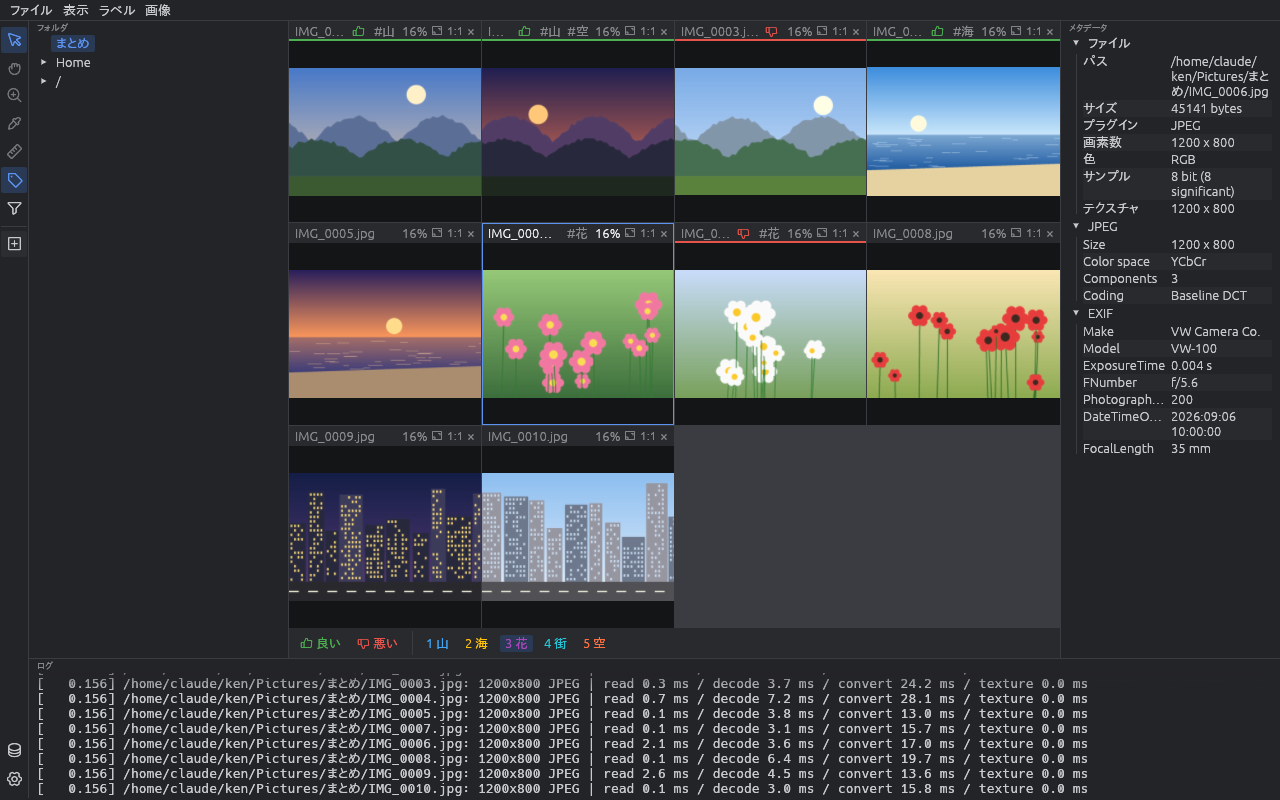
Sort
Flag images good or bad and add your own tags with a single key, then filter, copy the matches to another folder or export CSV / JSONL. AI adds content tags and names faces, and similar images such as RAW and JPEG pairs are grouped and compared.
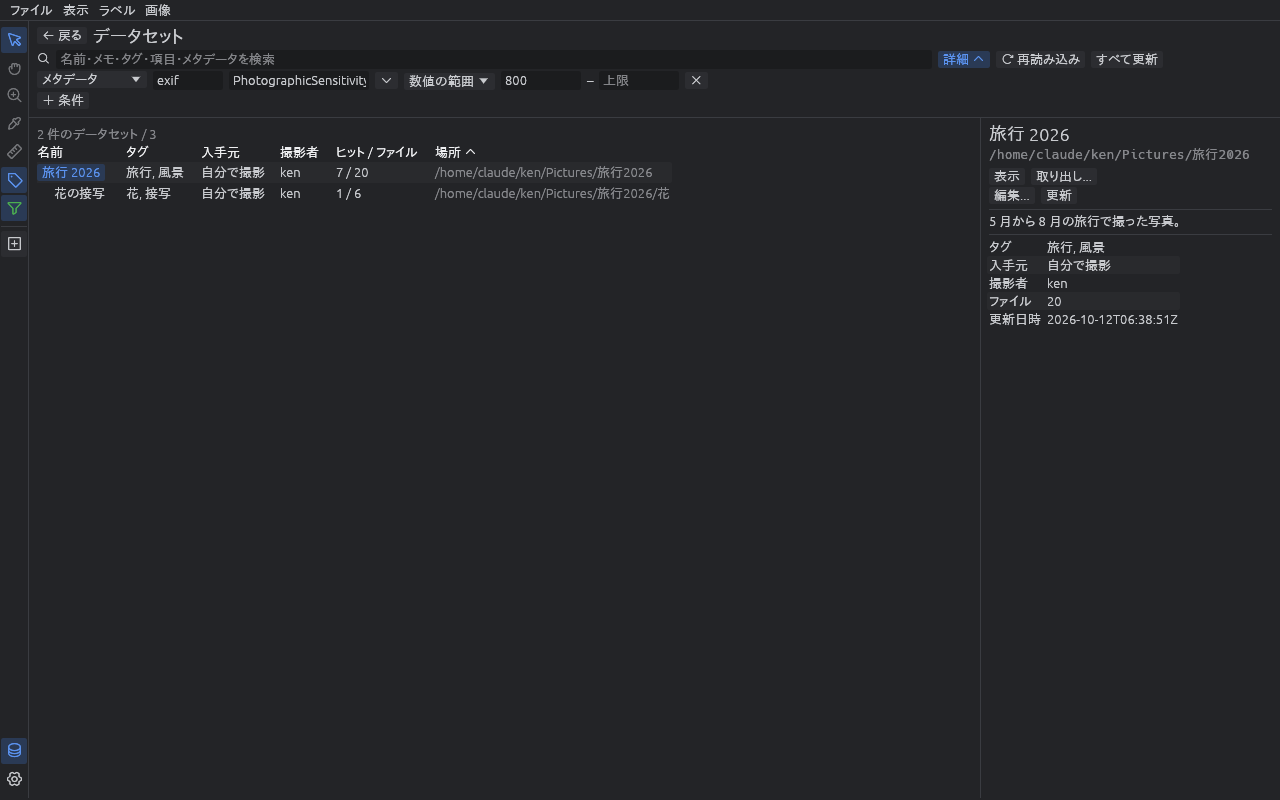
Find
Register a folder as a dataset and vw builds a search catalog of shooting info, text, headers and AI tags, even inside ZIPs. Search by content, such as "ISO 800 or more", and extract the hits. Find photos by place on the map and astronomy images on the sky chart.
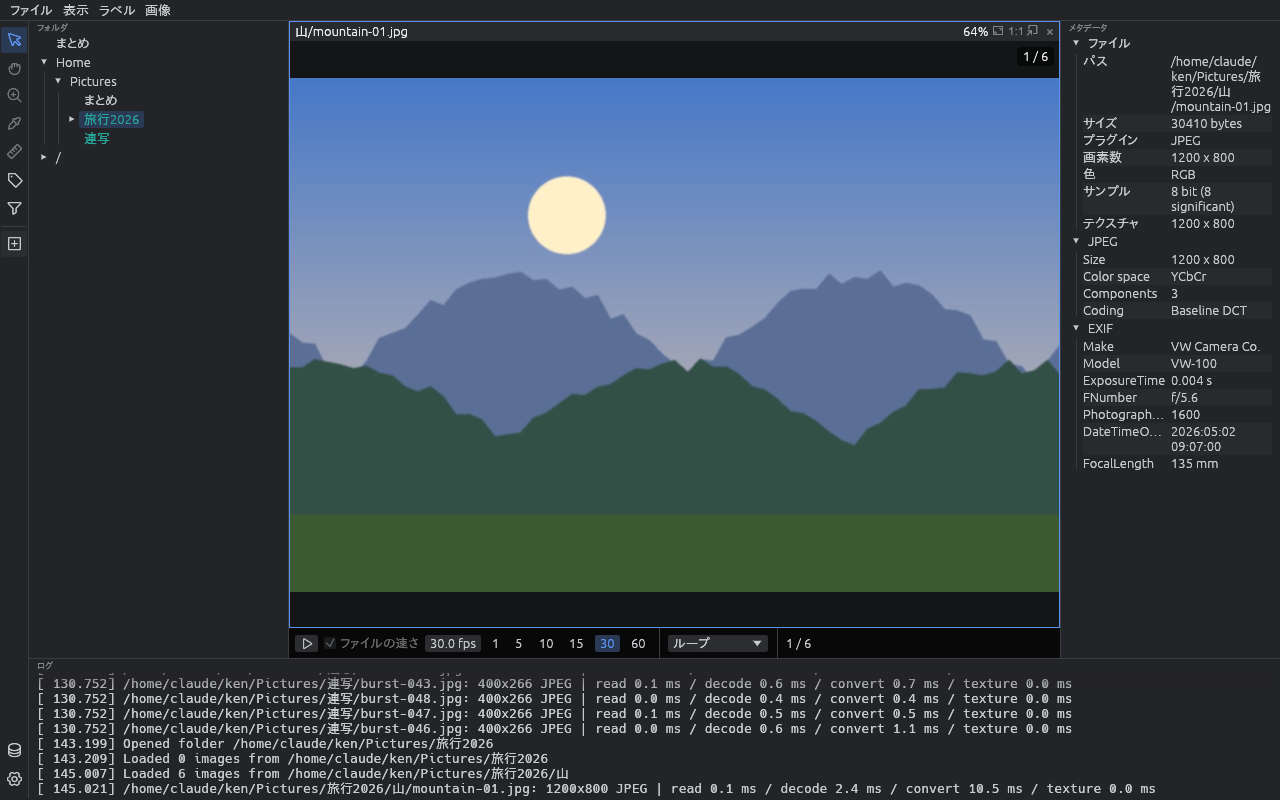
View and measure
Compare many images side by side, run a slideshow, and see new images as they land in the folder. Measure pixel values, ROIs, histograms and quality metrics, inspect and change the pixel pipeline, and apply it to many files at once.
More
- Fast: images decode in parallel in the background and are drawn by the GPU
- No loss: 16-bit images are loaded as 16-bit, and pixel values, measurements and exports keep the full depth. On a 10-bit or 12-bit monitor the screen shows that gradation too
- Never writes to your images: tags and catalogs are stored in separate files
- AI stays on your PC: the tagging and face models run on the CPU and never send images out
- English and Japanese UI: follows the OS language at first
- Free and open source: dual-licensed MIT / Apache-2.0
Supported formats in detail
| Format | Notes |
|---|---|
| PNG | 1–16 bit, gray / RGB / alpha / palette |
| JPEG | Baseline / progressive, gray / color / CMYK |
| WebP | Lossy / lossless, transparency, animation |
| GIF | Transparency, animation |
| BMP | 1–32 bit, palette / RLE / bit fields, top-down files too |
| TIFF | 1–16 bit integer and 32-bit float, gray / RGB / alpha / palette / CMYK, CCITT G3 / G4, LZW / Deflate / PackBits / JPEG compression, tiles, BigTIFF, multi-page |
| Camera RAW | Nikon NEF / NRW, Sony ARW / SR2 / SRF, Fujifilm RAF (Canon CR2 / CR3 and DNG too) |
| FITS | .fits .fit .fts, tile-compressed .fz, .fits.gz. 8–64 bit integer and float, cubes, Bayer color |
| ZIP / 7z / tar | Password-protected (ZipCrypto and AES for ZIP, AES for 7z); tar plain, gzip, bzip2, xz, zstd; comic .cbz .cb7 .cbt |
Download
Get the file for your OS from the Releases page.
| File | For |
|---|---|
vw-windows-x64.zip | Windows 10 / 11 (64-bit) |
vw-linux-x64.tar.gz | x86_64 Linux such as Ubuntu 22.04 or later |
Releases come in two kinds: vX.Y.Z (stable, use this normally) and main-latest (the development build, replaced automatically on every change).
Install
Windows
There is no installer. Just unpack the zip.
- Download
vw-windows-x64.zip - Right-click the zip → Extract All into a folder of your choice (say,
C:\Tools\vw) - Double-click
vw.exein that folder
If Chrome blocks the download as "not commonly downloaded", open chrome://downloads and press Keep on the vw row.
If Windows shows "Windows protected your PC" on first start, choose More info → Run anyway. Both appear because vw is not code-signed yet.
On Windows 11 PCs with Smart App Control on, vw is blocked with no Run anyway button. Use the Microsoft Store version (in review), or turn it off in Windows Security → App & browser control → Smart App Control settings. On some Windows versions it cannot be turned back on without reinstalling Windows. Turning it off also weakens protection against other apps, so do so at your own risk.
To uninstall, delete the folder and %APPDATA%\vw. The registry is not used.
Ubuntu
tar xzf vw-linux-x64.tar.gz
cd vw
./install.sh
install.sh puts vw in ~/.local/bin and adds it to the app list (no root needed).
You can also run ./vw from the unpacked folder without installing.
If it does not start on a server or minimal install:
sudo apt install libxkbcommon-x11-0 libgl1 libegl1 \
  libxcursor1 libxrandr2 libxi6 fonts-noto-cjk
Uninstall with ./install.sh --uninstall.
Read next
- The README — the full guide (in Japanese): first five minutes, every feature, key bindings, FAQ
- Bug reports and requests (GitHub Issues)